













Get started by creating your Chargeblast Partner account to track referrals, view commissions, and access your partner dashboard.
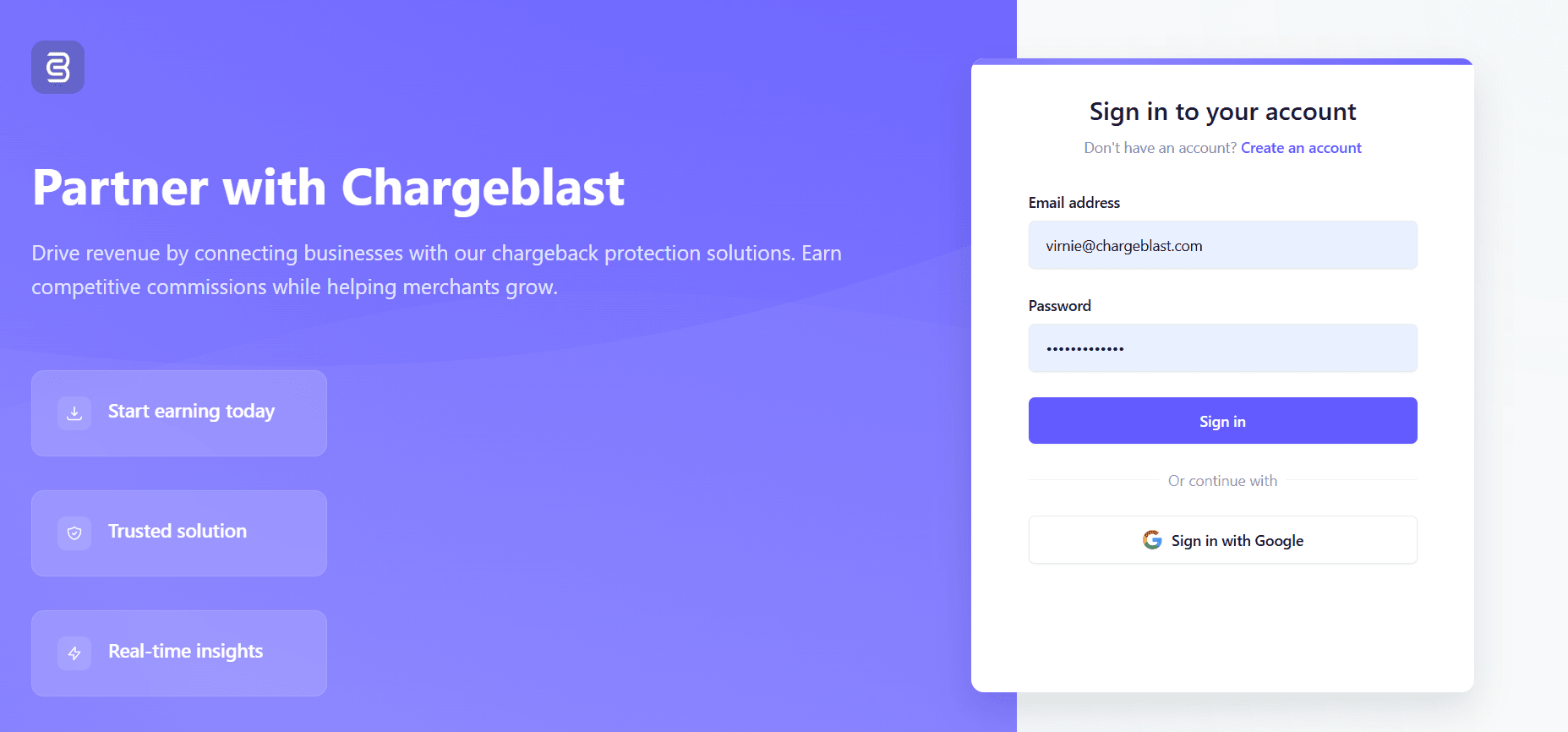
- Navigate to the Partner Portal login page here
-
Click on
Sign in with Googleand select your registered email address - If you don't have an account yet, click
Create an account, enter your email address and password, then click Create Account. - Enter your Company Name, then continue to the registration form
Completing the Affiliate Partner Application form: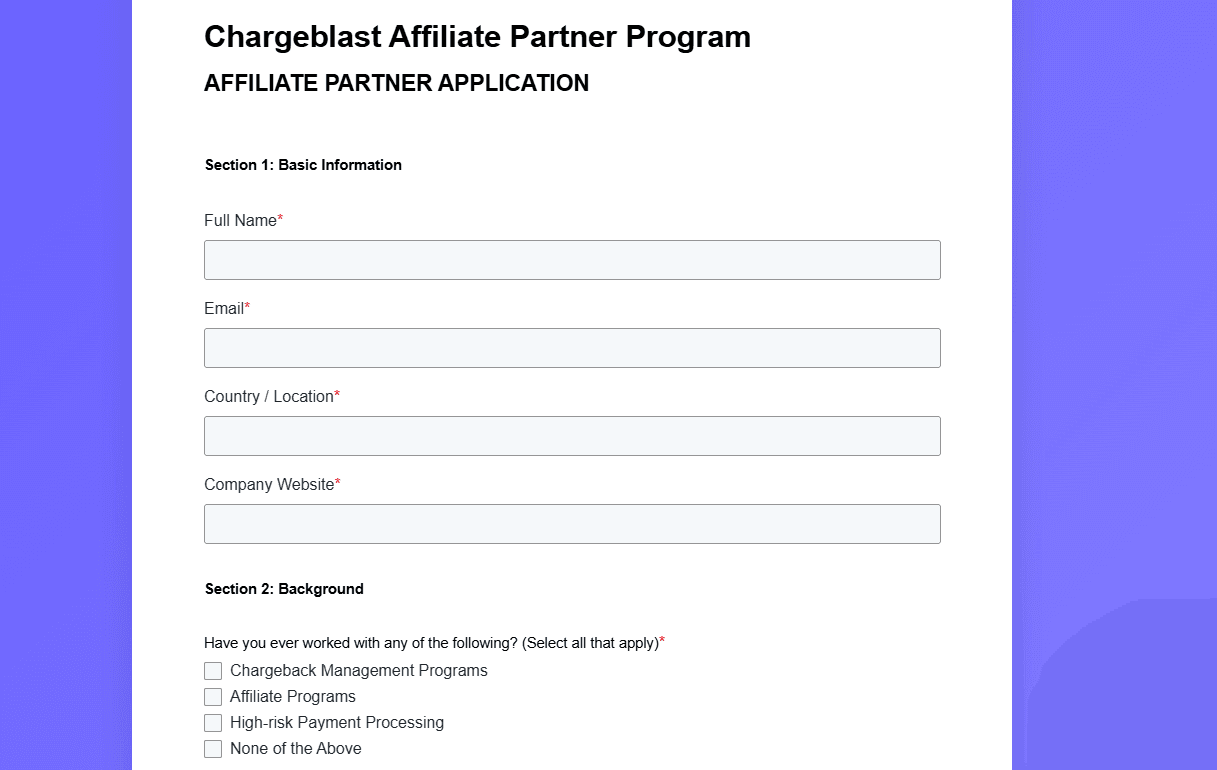
Section 1: Basic Information
- Enter your Full name
- Enter your Email address
- Select your Country
- Enter your own Company Website
Section 2: Background
Have you ever worked with any of the following? (Select all that apply)
- Chargeback Management Program
- Affiliate Programs
- High-risk Payment Processing
- None of the Above
Click Submit and wait for approval
After you submit your application, our team will review it and contact you within 3–5 business days. Once approved, your referral link will be activated, and you can start referring merchants
Tags
partner portal
Was this article helpful?
Help us improve our documentation