













Follow these steps to connect your Payrails account to Chargeblast
- Navigate to the Payrails integrations tab on Chargeblast here
- Enter your Client ID and API Key for each Payrails workspace you want to sync
- Enable the toggle and click Save Changes, then click Activate
Getting your Client ID and API Key:
- Log in to your Payrails account
- Navigate to Settings → API credentials and select Create credentials
Create the credential
- Name (required): Use a descriptive label, such as Chargeblast
- Description (optional): Add relevant operational context, such as for pre dispute alerts and disputes management
Choose the appropriate scope, then select Apply least-privilege:
- Organization: The credential is valid for the entire organization
-
Workspace: The credential is limited to a selected workspace. Choose the workspace from the selector
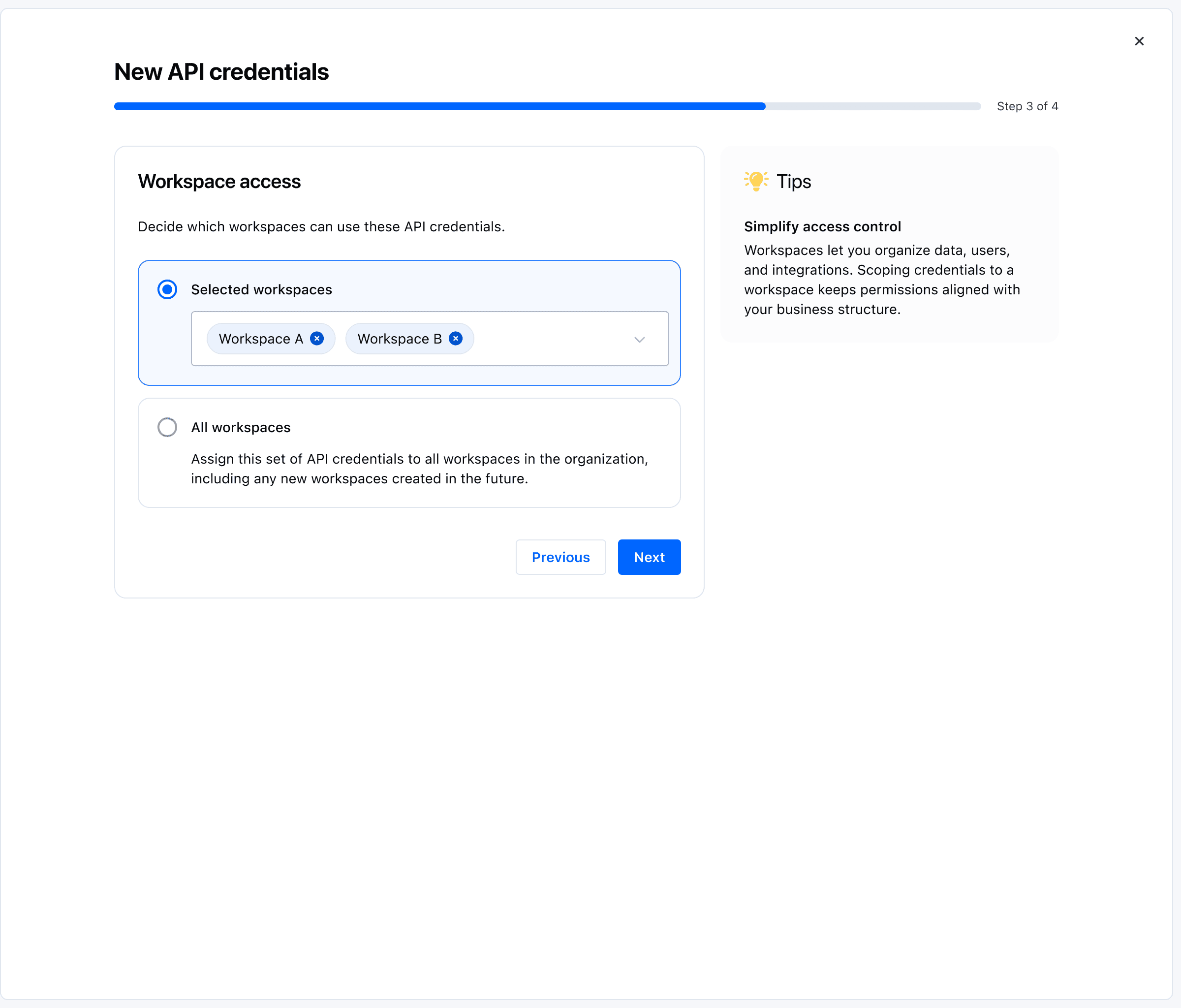
- Copy the Client ID and Client Secret shown on creation
Important: The Client Secret is displayed only once. Store it securely in a secrets manager before leaving the page
Tags
payrailsintegration
Was this article helpful?
Help us improve our documentation