













Auto-resolve Mode
By enabling auto-resolve for Ethoca/CDRN alerts, you will not have to mark each alert as resolved within your Chargeblast dashboard. You will still need to manually refund each Ethoca/CDRN alert; however, we will be notifying the banks that, for each of your alerts, you will be refunding the transaction. The added advantage of auto-resolve is that it removes an additional workflow of having to mark each alert as actioned within your Chargeblast dashboard.
Note: Since alerts are resolved automatically in this mode, alert credit requests aren't available. If you believe you're eligible for a credit, reach out to your account team directly.
By default, your account will be set to auto-resolve mode.
Manual Mode
In contrast, by turning off auto-resolve, you will have to manually action each alert within 24 hours (for Ethoca) or 48 hours (for CDRN) in order to avoid a chargeback. The added benefit of manual mode is you are able to pick and choose which alerts you want to refund.
For merchants with a wide range of ticket sizes
If you are handling orders of large varying sizes and only plan on refunding a select number of alerts, manual mode will give you the flexibility to pick and choose which alerts to refund.
The first step is to turn off auto-resolve in the Alerts settings screen here.
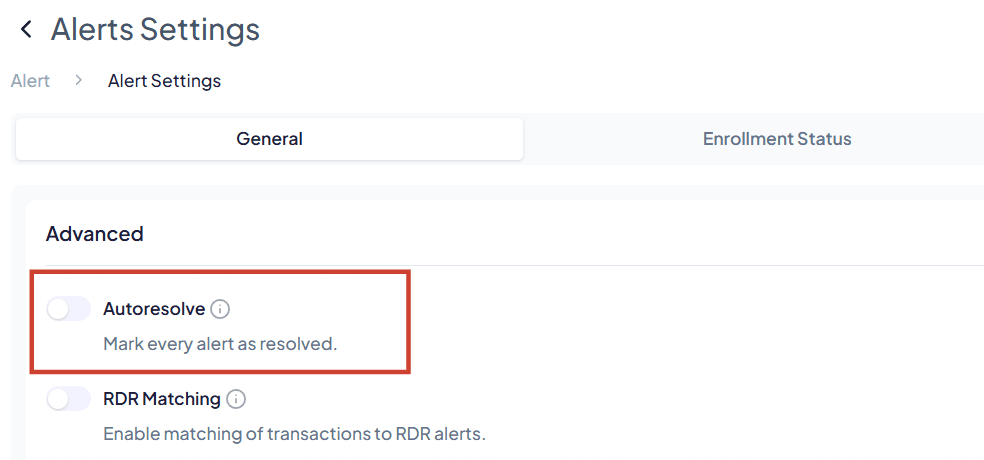
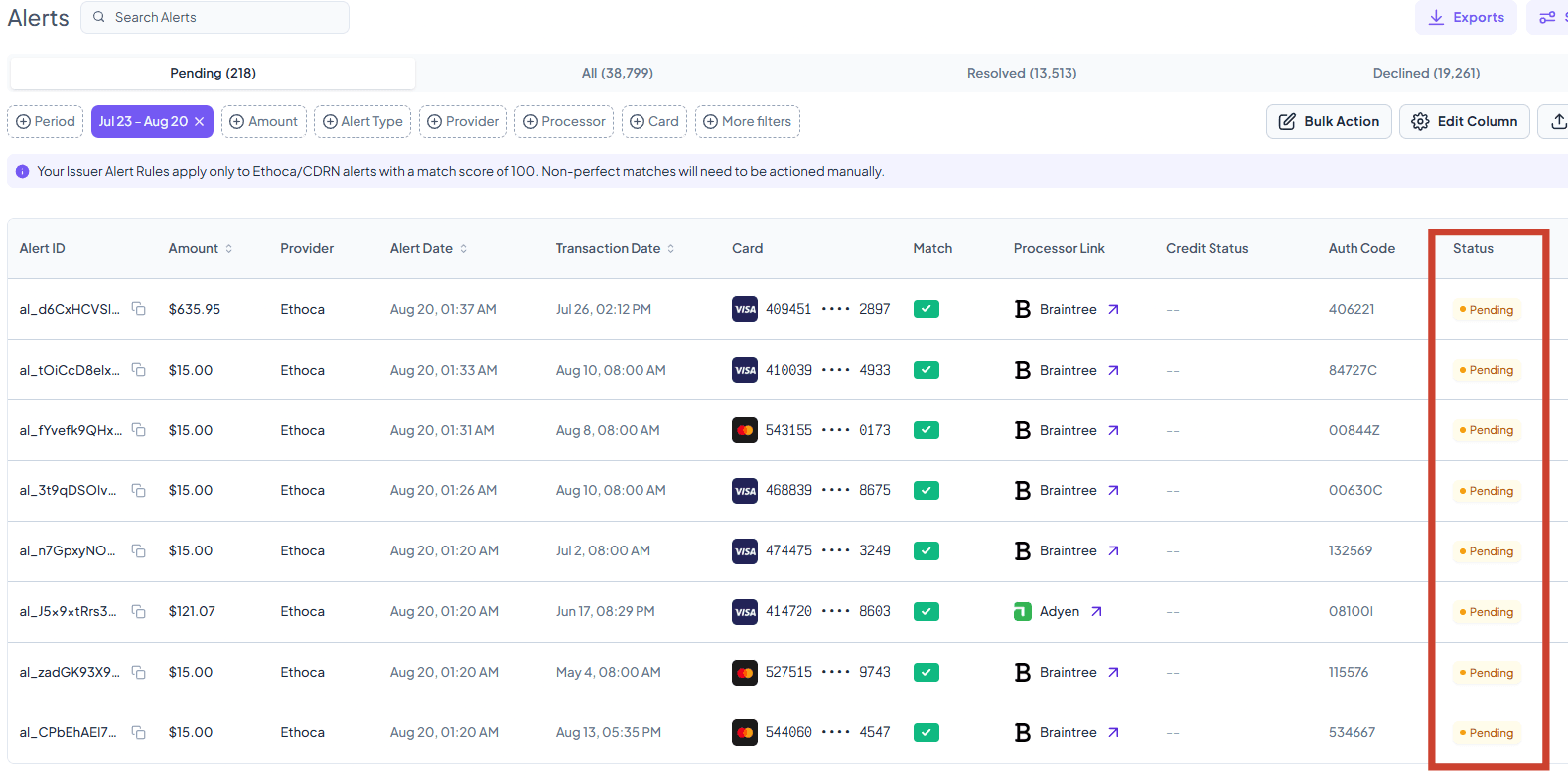
After it's been toggled off, you will notice that in your alerts table there will be a new column denoting the alert status:
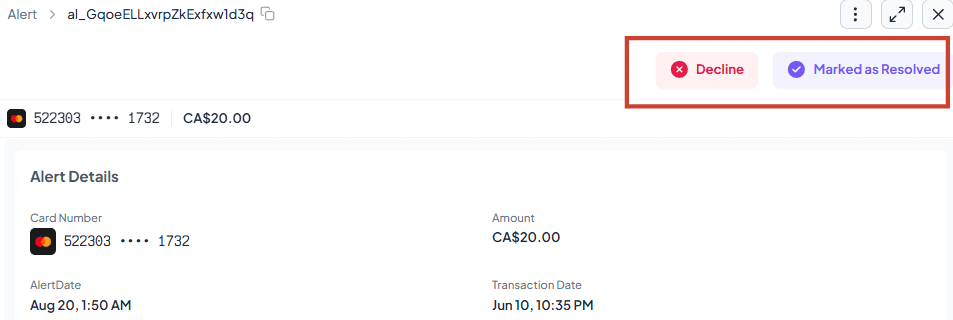
When you click the alert, you will see two new buttons: Resolve and Decline. For alerts you do not plan on refunding, please select Decline, then choose the correct reason code.
This is the first step toward requesting an alert credit — see How to Request an Alert Credit for the full process.
Tags
Was this article helpful?
Help us improve our documentation