













Follow these steps to connect your TagadaPay account to Chargeblast
First, Locate Your TagadaPay API Key
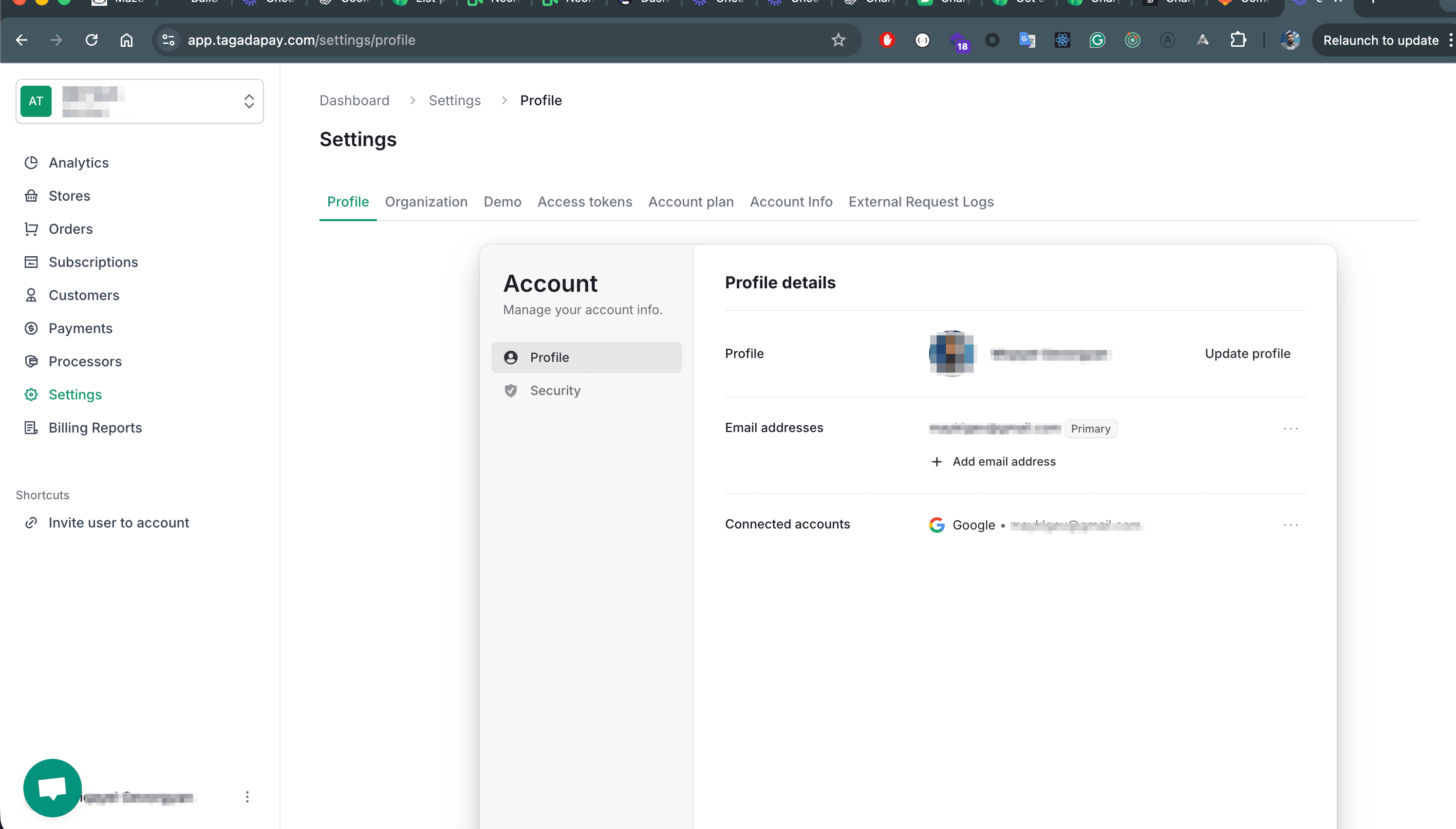
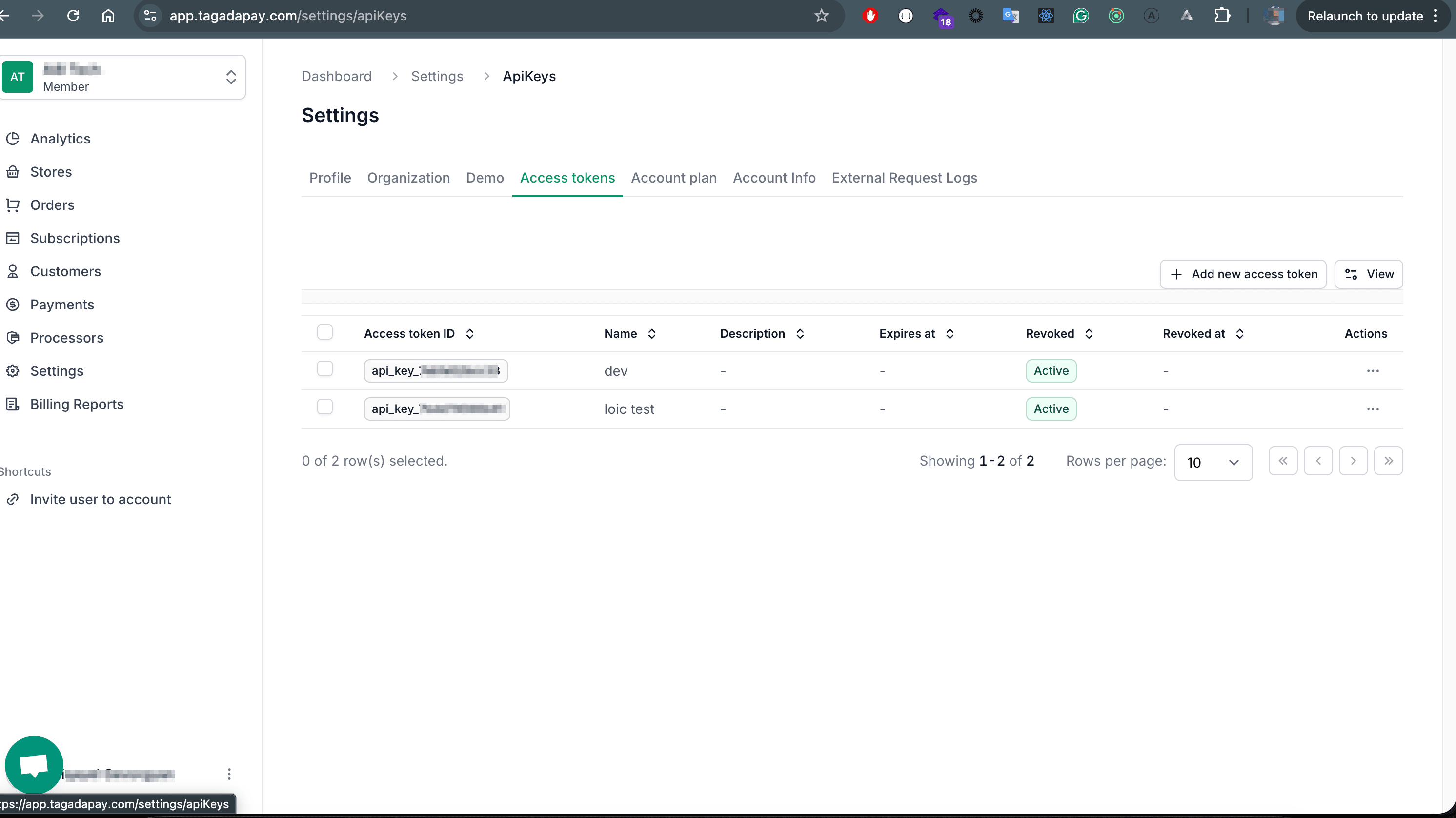
- In your TagadaPay dashboard, navigate to Settings → Access Tokens
- Click + Add New Access Token
- Enter a name for the token and select the Support role
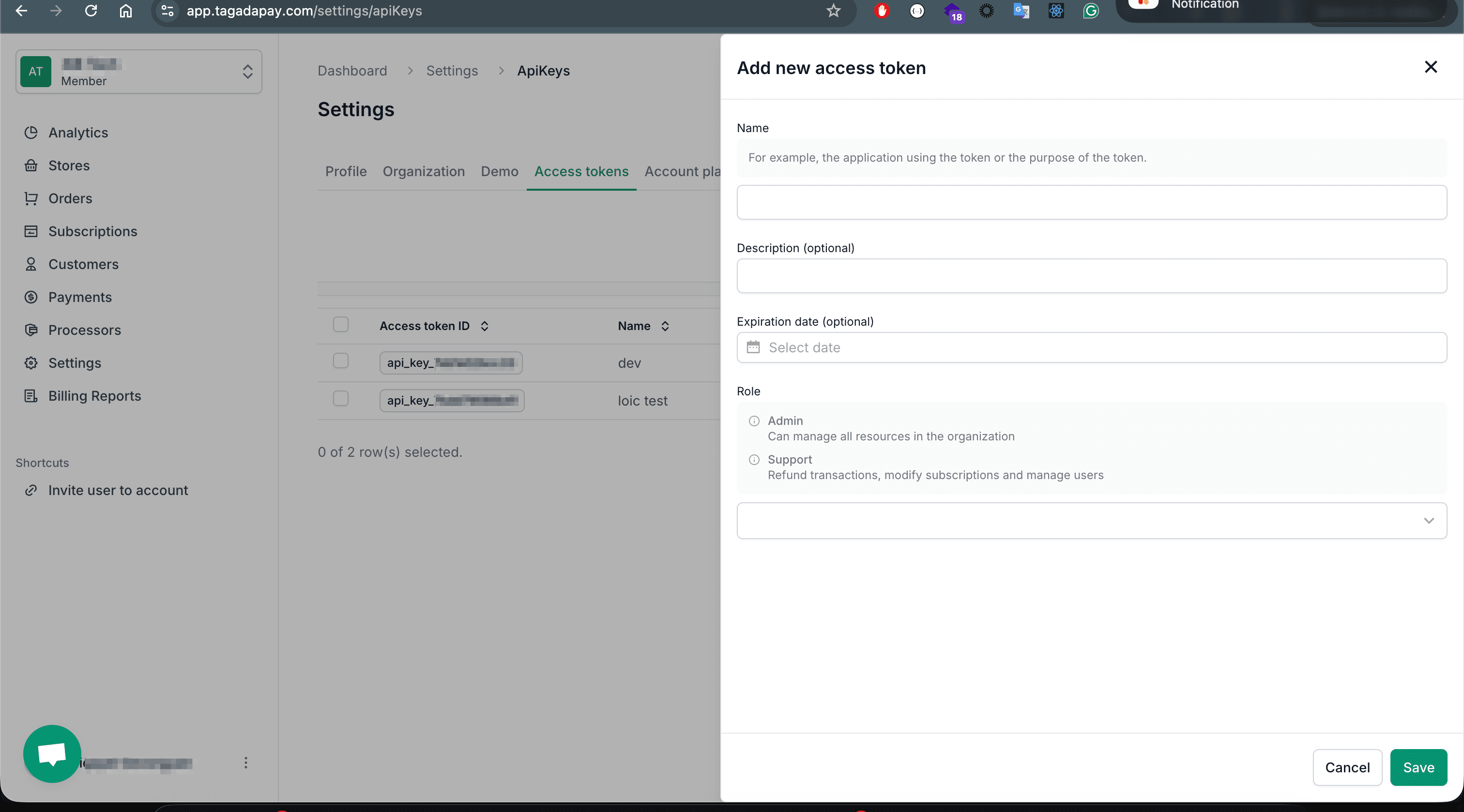
- Click Save
- Click on the new token created
- In the Access Token section, click Copy to Clipboard to copy your API key
- Navigate to the TagadaPay integrations tab on Chargeblast here
- Enter your API Key
- Click the plus (+) icon and enable the toggle
- Click Save Changes to confirm
Tags
paymentsTagada
Was this article helpful?
Help us improve our documentation