













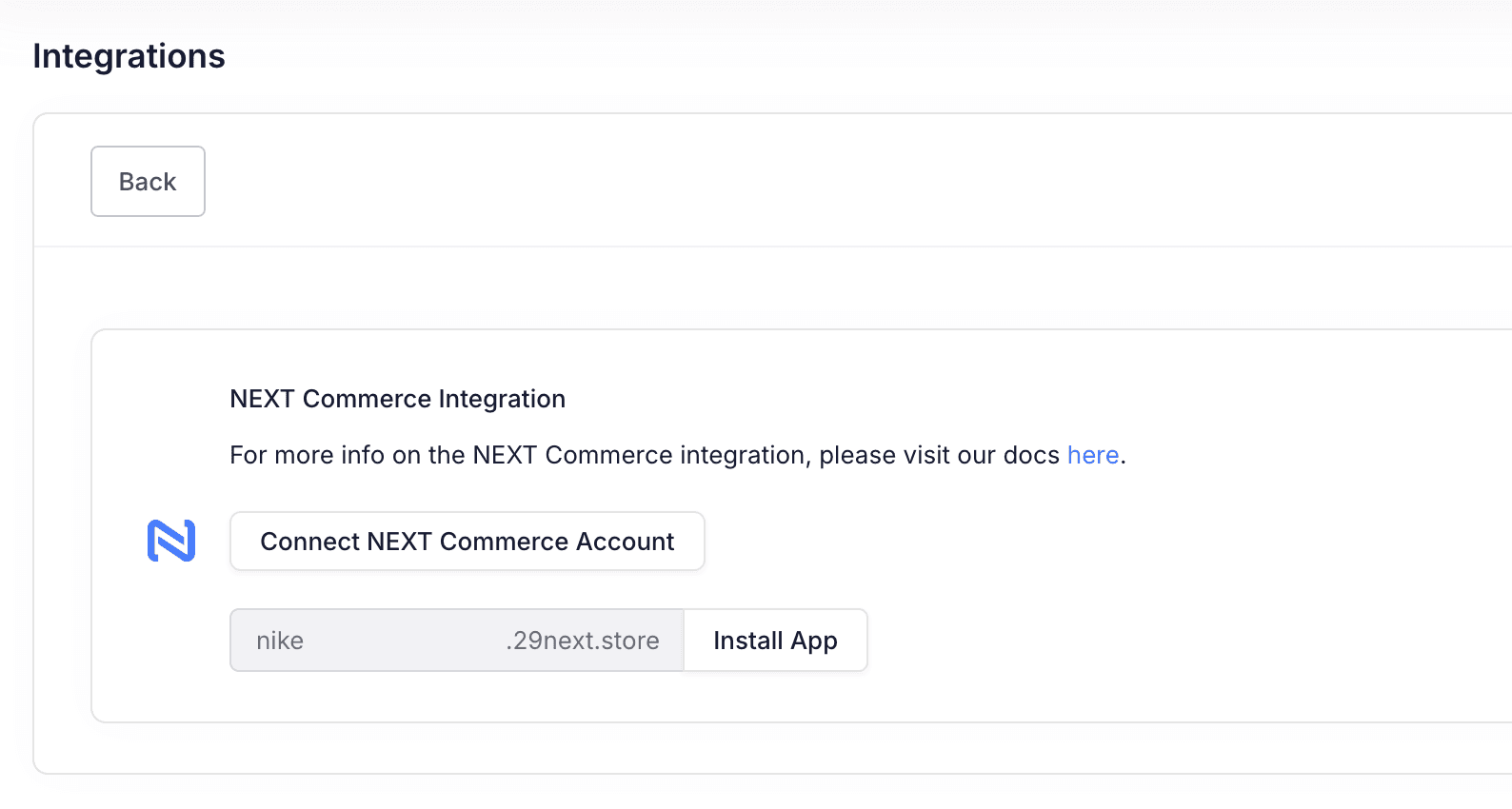
To set up the NEXT Commerce integration, you can simply install the Chargeblast app from the NEXT Commerce app store, or alternatively, route to the integrations page here and follow the on-screen instructions:
What does the integration do?
By setting up the NEXT Commerce integration you will have access to the following features:
- Automated refunds of issuer-based alerts
- Dispute tagging in NEXT Commerce (any alerted customers will have tags in NEXT Commerce)
- Customer blacklisting for alerted transactions
- Dispute analytics within Chargeblast
Tags
next commerceintegration
Was this article helpful?
Help us improve our documentation