













Follow these steps to connect your Recurly account to Chargeblast
- Navigate to the Recurly integrations tab on Chargeblast here
- Enter your API Key
- Enable the toggle and click Save Changes
Locate or Generate your API Key
Go to the Integrations tab, then API Credentials. You'll need an account with a Role that includes the Integration permission
Scroll down and click Add Private API Key

Enter "Chargeblast" as a name for your API key, add a description of its purpose: "It is for Chargeblast Integration"
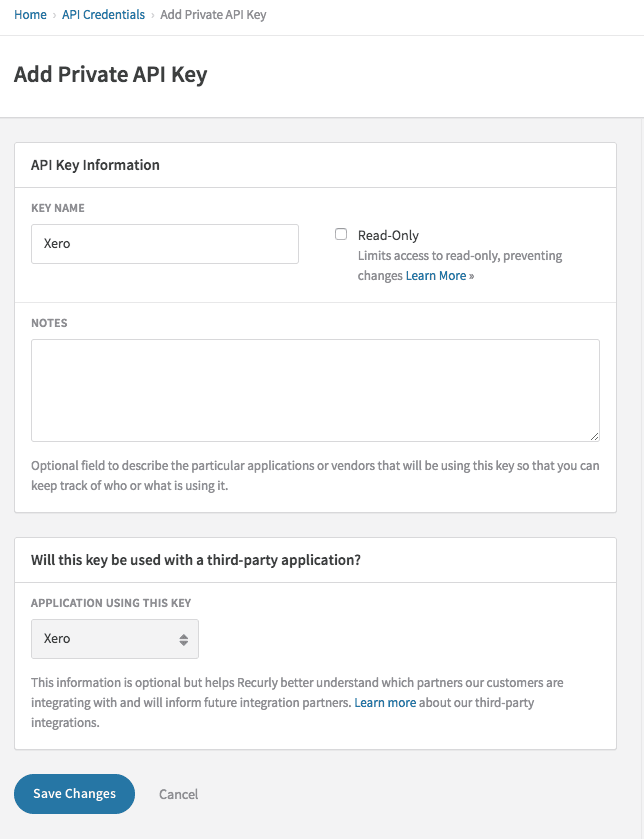
Confirm by clicking Save Changes
Tags
integrationRecurly
Was this article helpful?
Help us improve our documentation