













Get started by logging into your Chargeblast account to access your dashboard and explore the tools and settings built to help you manage and reduce chargebacks.
Creating an Account
Create an account from the login page with Google or with an email address and password
- Go to app.chargeblast.com
- Click Don't have an account? Sign up
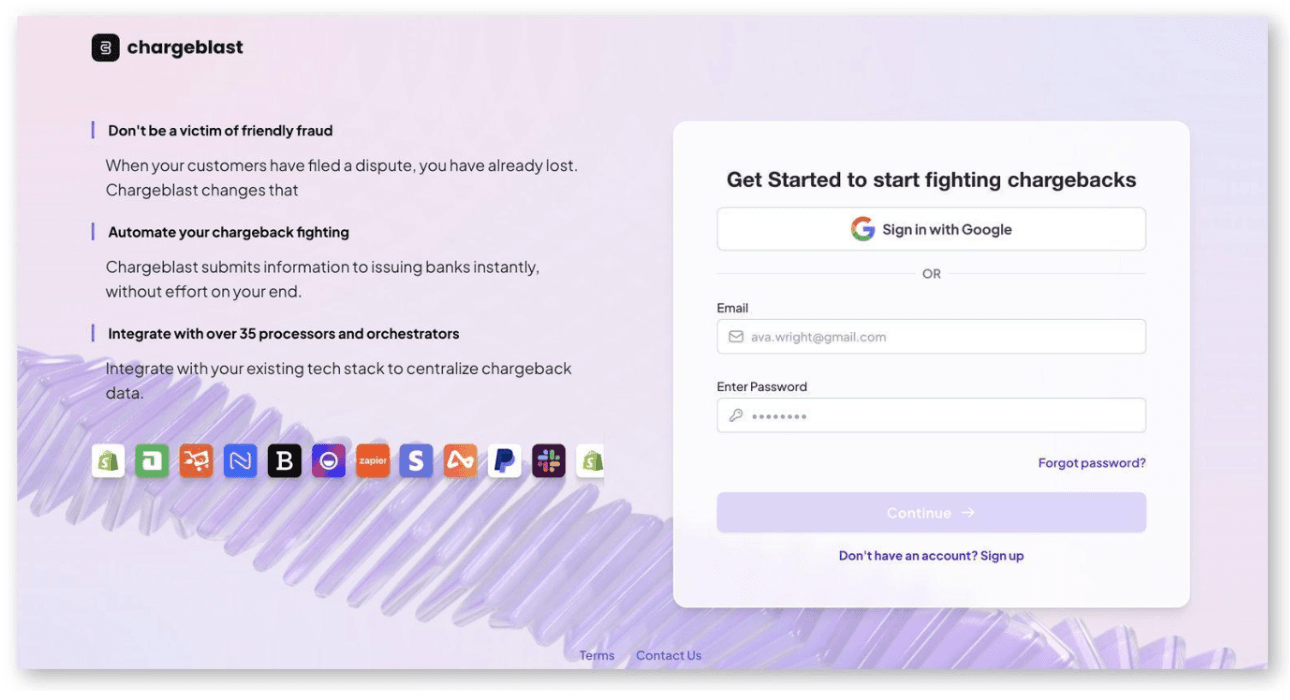
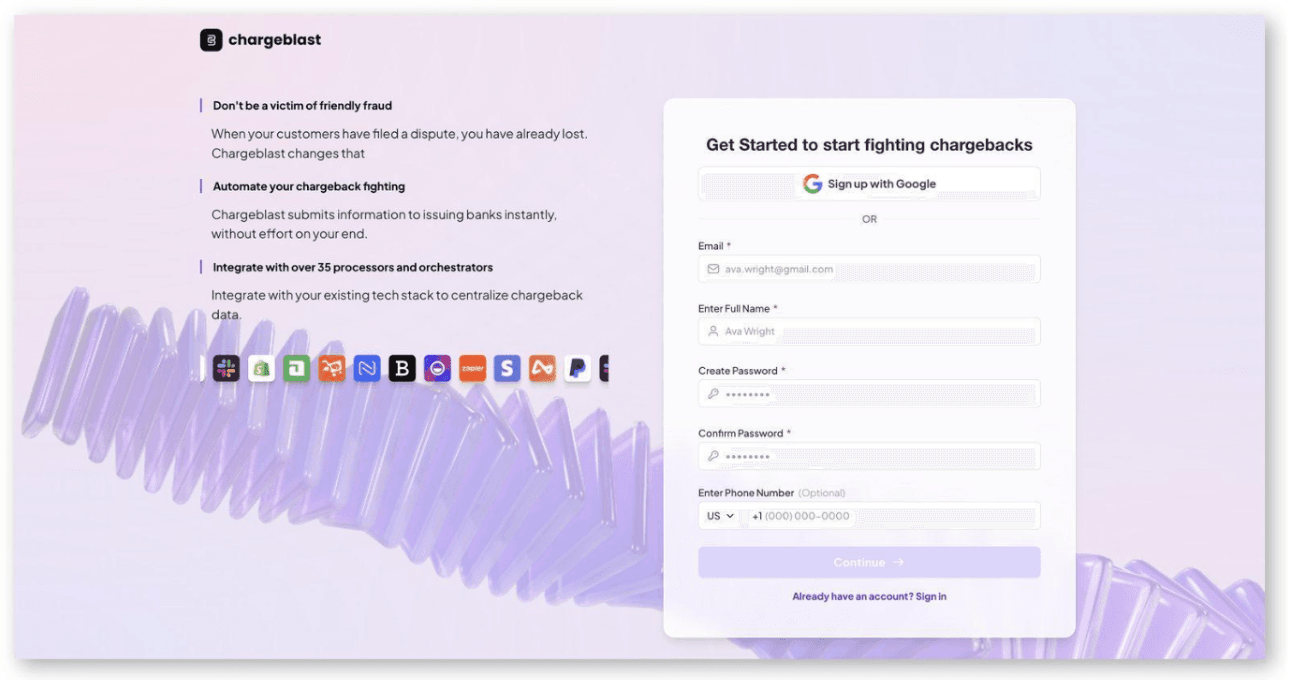
- Choose how you want to sign up:
- Sign up with Google — click Sign up with Google and choose your Google account (see Signing Up with Google below)
- Sign up with email — enter your Email, Full Name, Create Password, and Confirm Password. The Phone Number is optional
- Click Continue
Tip: Already have an account? Enter your Email and Password on the login page and click Continue
Signing Up with Google
- Click Sign up with Google
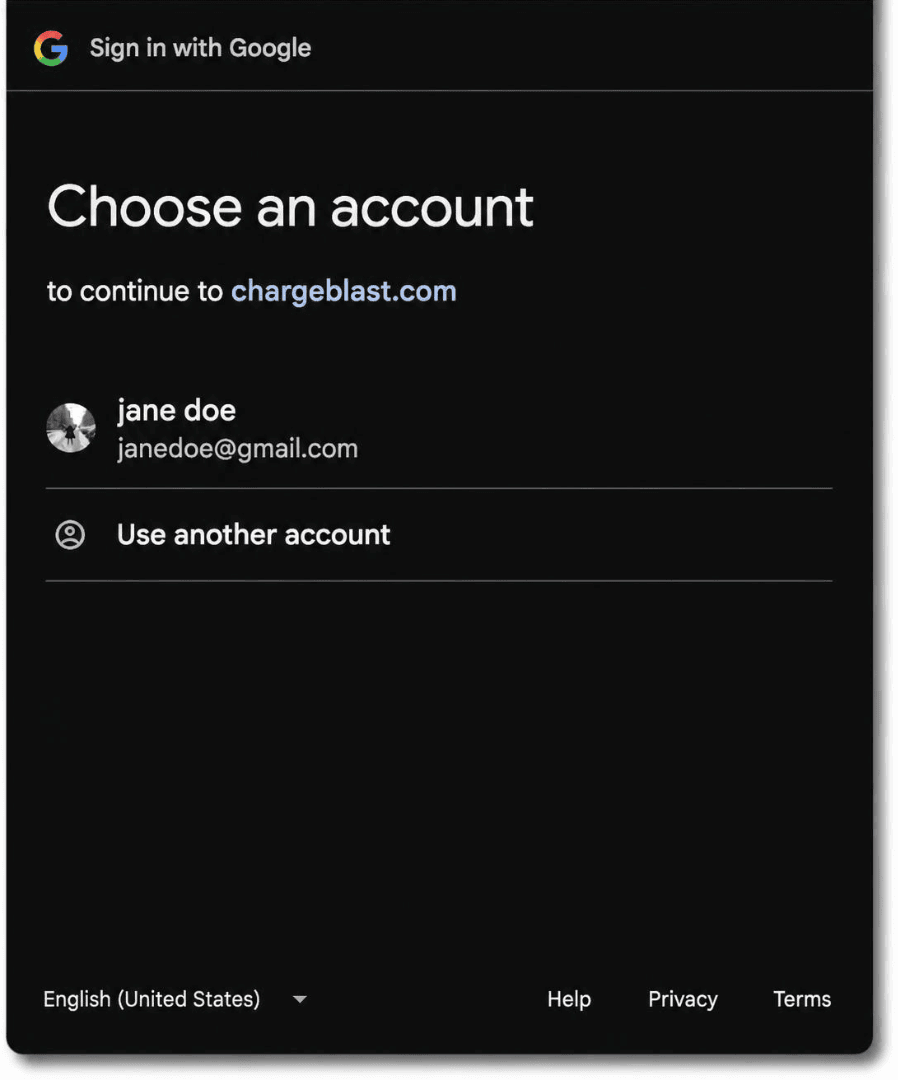
- Select your Google account, or click Use another account
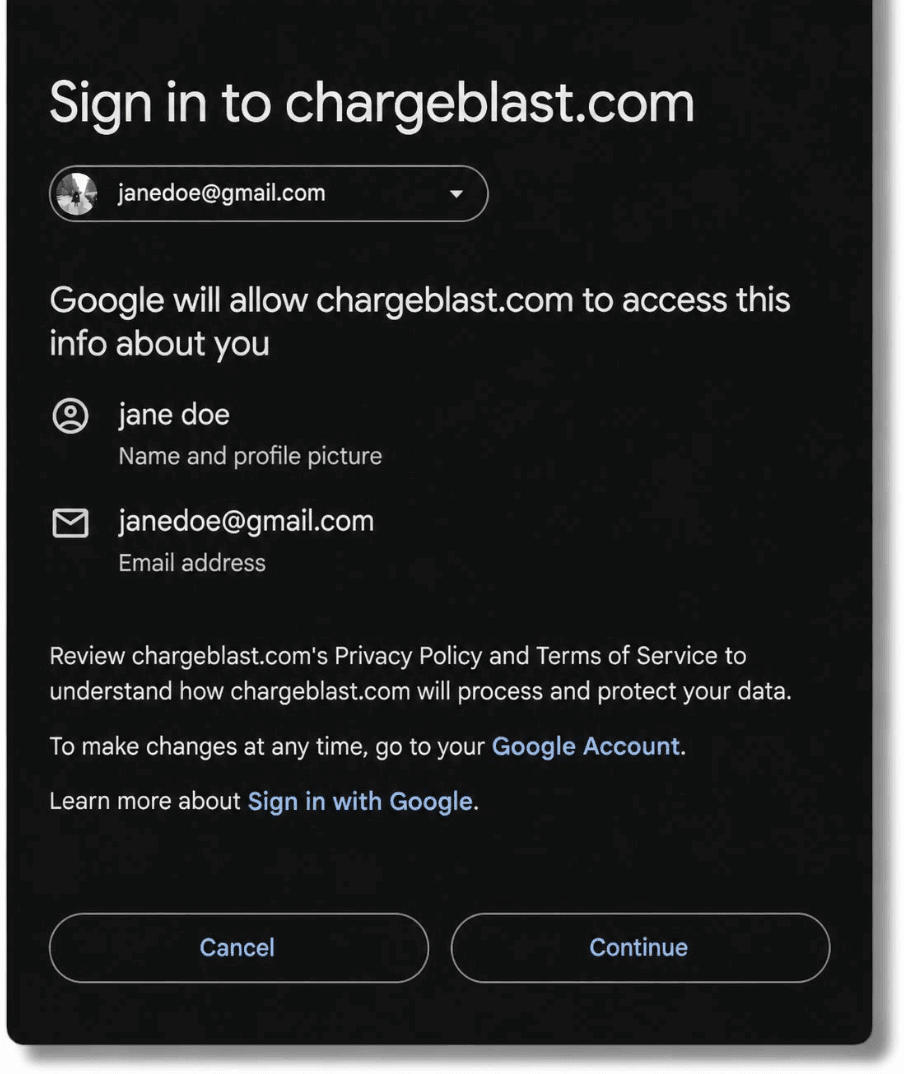
- Review the access request (Name, Profile picture, and Email address), then click Continue
Your Chargeblast account is now created 🎉
Resetting Your Password
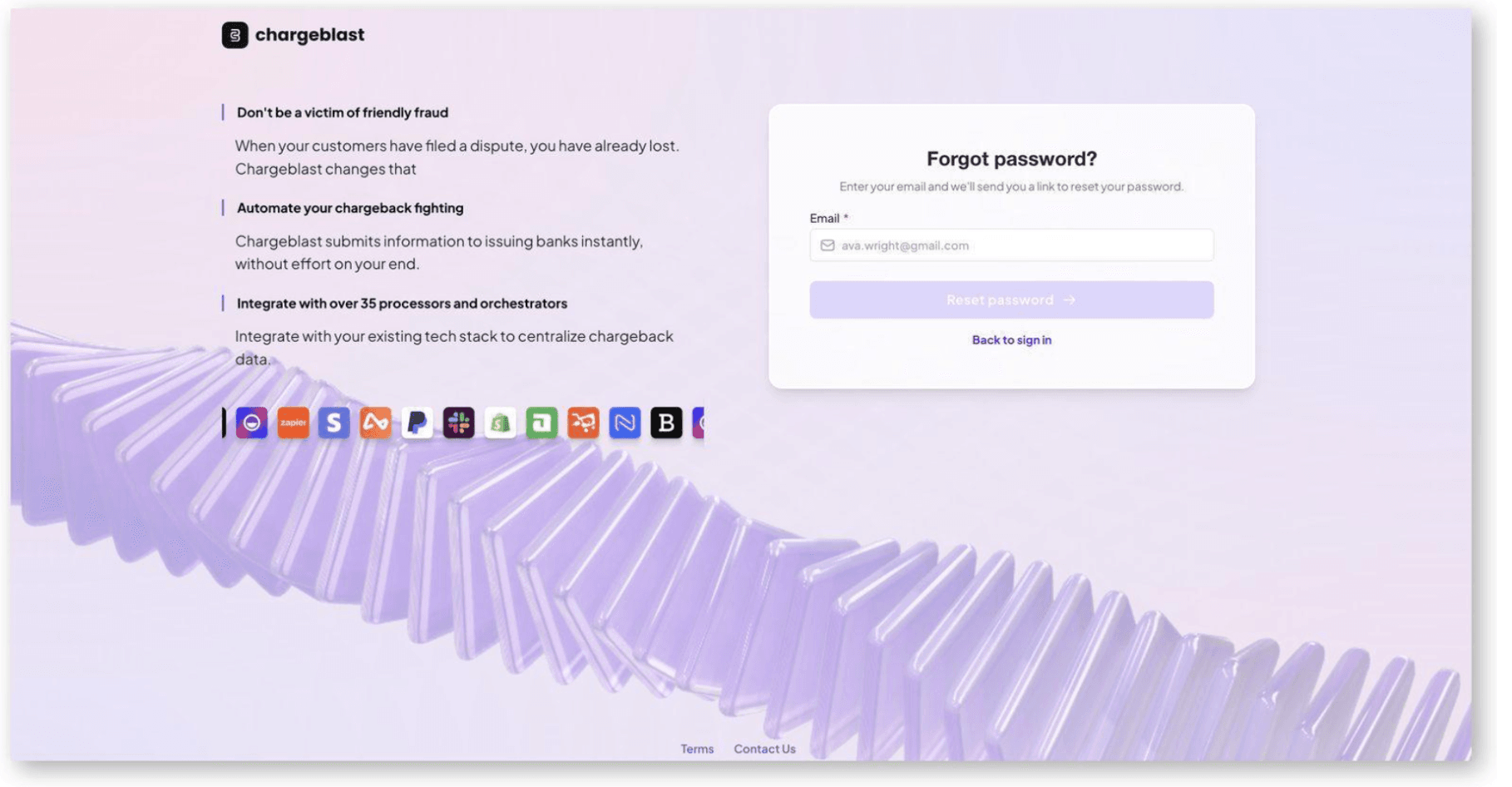
If you've forgotten your password, you can reset it from the login page:
Click Forgot password? on the Login screen
Enter your Email, then click Reset password
Check your email for a link to reset your password
If you also forgot your email, contact [email protected] for assistance.
Was this article helpful?
Help us improve our documentation