













Follow these steps to connect your Spreedly account to Chargeblast:
- Navigate to the Spreedly integrations tab on Chargeblast here
- Enter your Environment Key and Access Token
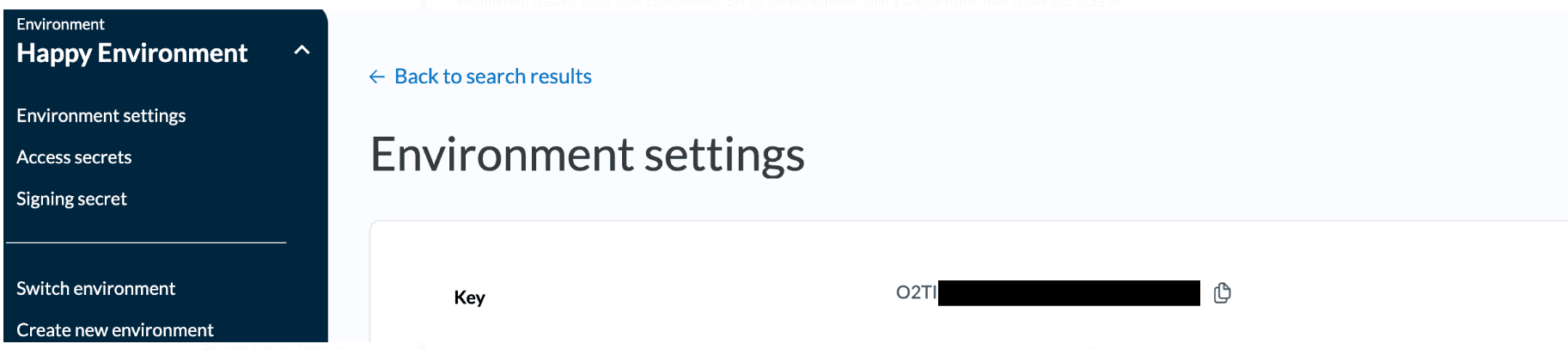
To Retrieve the Environment Key (API)
The environment key from Spreedly will be used by Chargeblast
- Log in to your Spreedly account
- Click the environment name in the top-left
- Select "Environment settings" to view information on that environment
- Or select "Create new environment" to set up another
To retrieve the Access token or secrets
It can be created and deleted from the Access secrets area of the Environment menu. They should be created on a per-application basis and should be named accordingly.

Tags
spreedlyintegration
Was this article helpful?
Help us improve our documentation